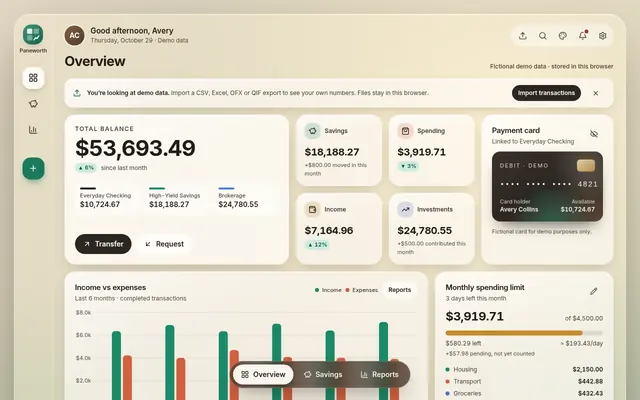
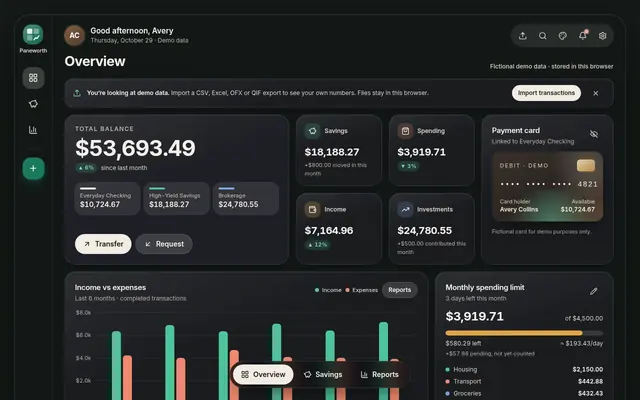
Paneworth Glass Finance Dashboard
A frosted-glass personal finance dashboard built with React, TypeScript and Tailwind. Three working screens, light and dark themes and a full set of demo data let you see it in action and make it your own.
Dashboard templates, UI kits and small tools, made with care and ready to use today.
Every panel has a job. Watch them settle into place, the same way they do in the dashboard itself.
Clean layouts, calm motion and careful details, so your project looks finished from day one.
Clear code, simple theming and real documentation, so you can restyle and extend with confidence.
Friendly help when you need it, by email at support@paneworth.com.
Figures shown are fictional sample data from the demo.
The flagship
Three real screens from the Glass Finance Dashboard, captured from the live demo. Scroll to step through them, then try the real thing.
A look inside Paneworth
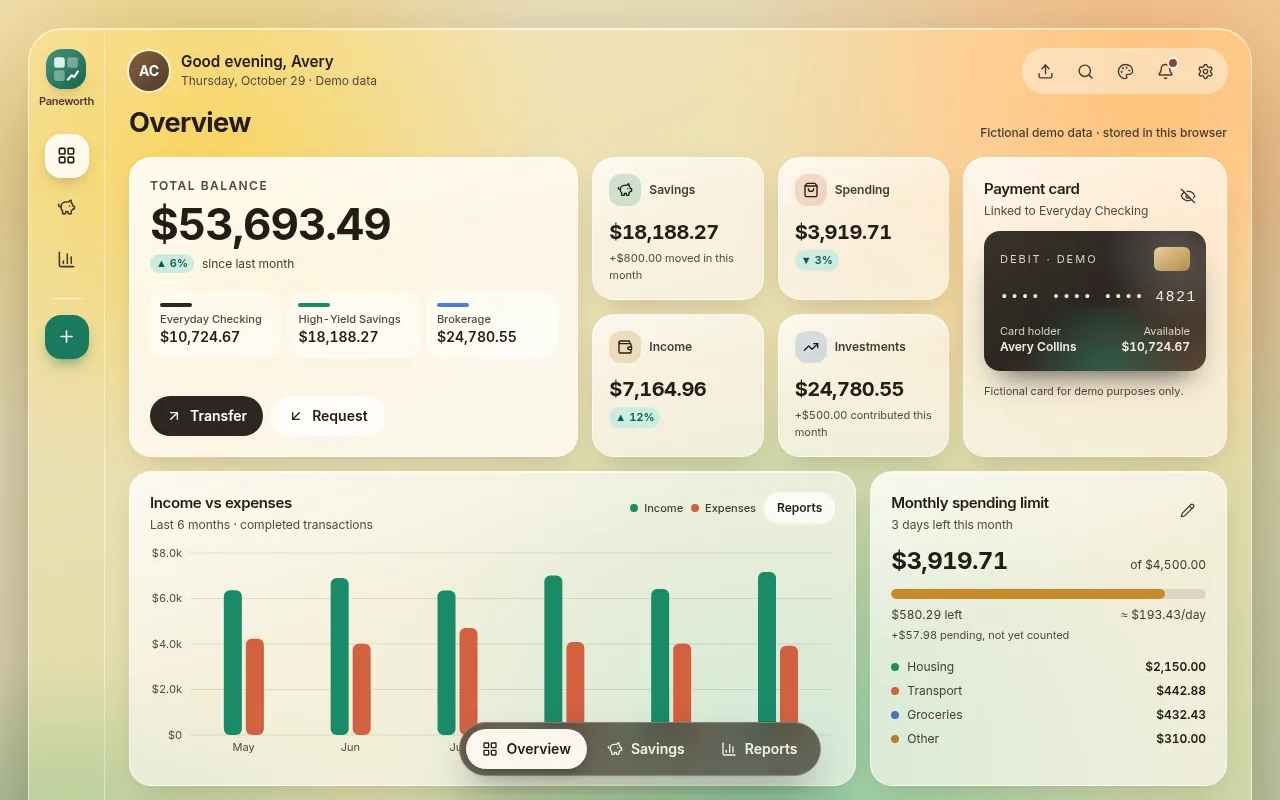
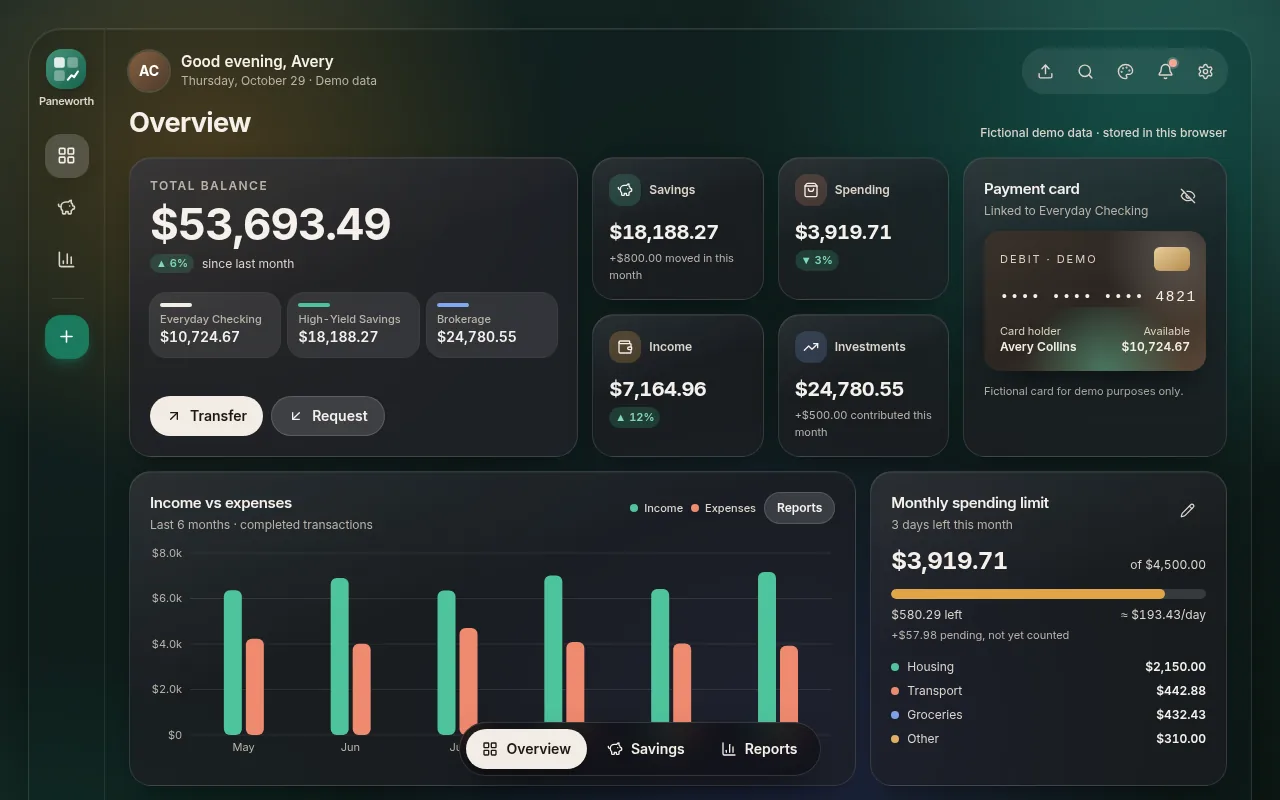
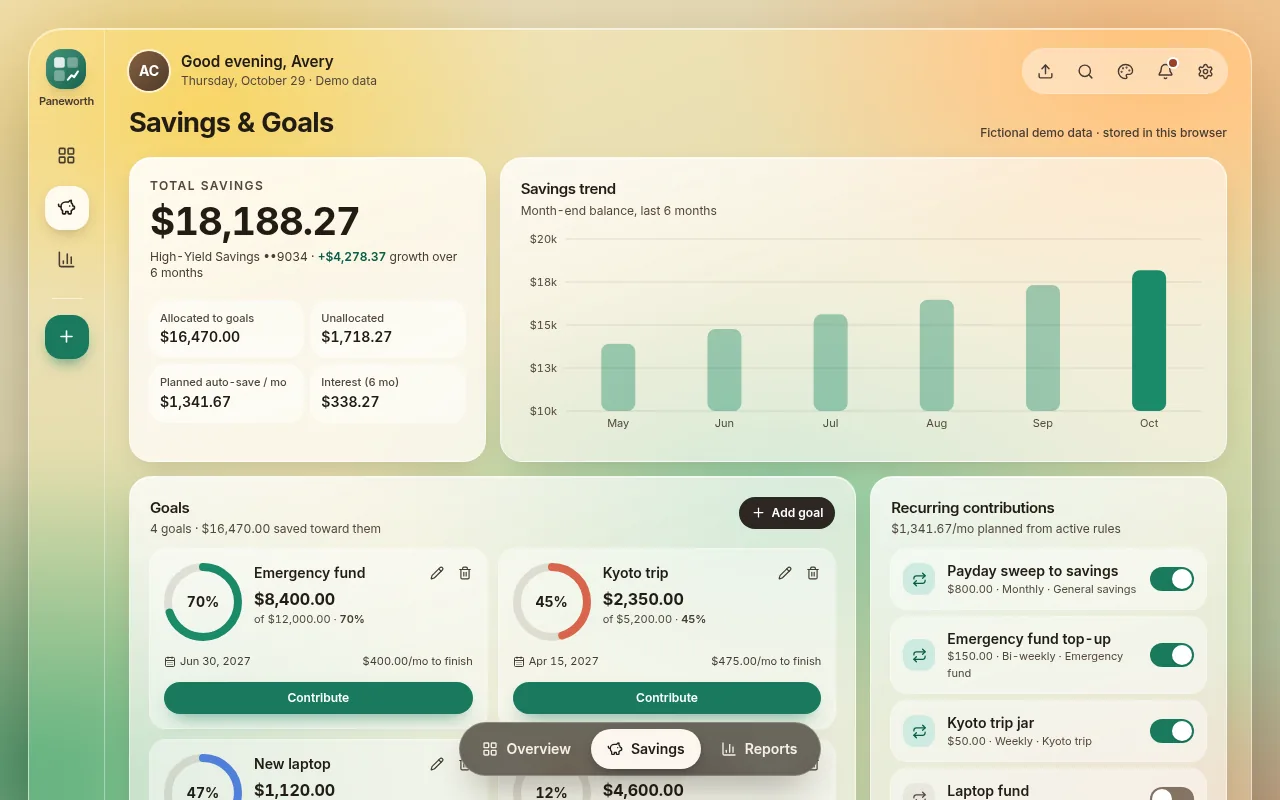
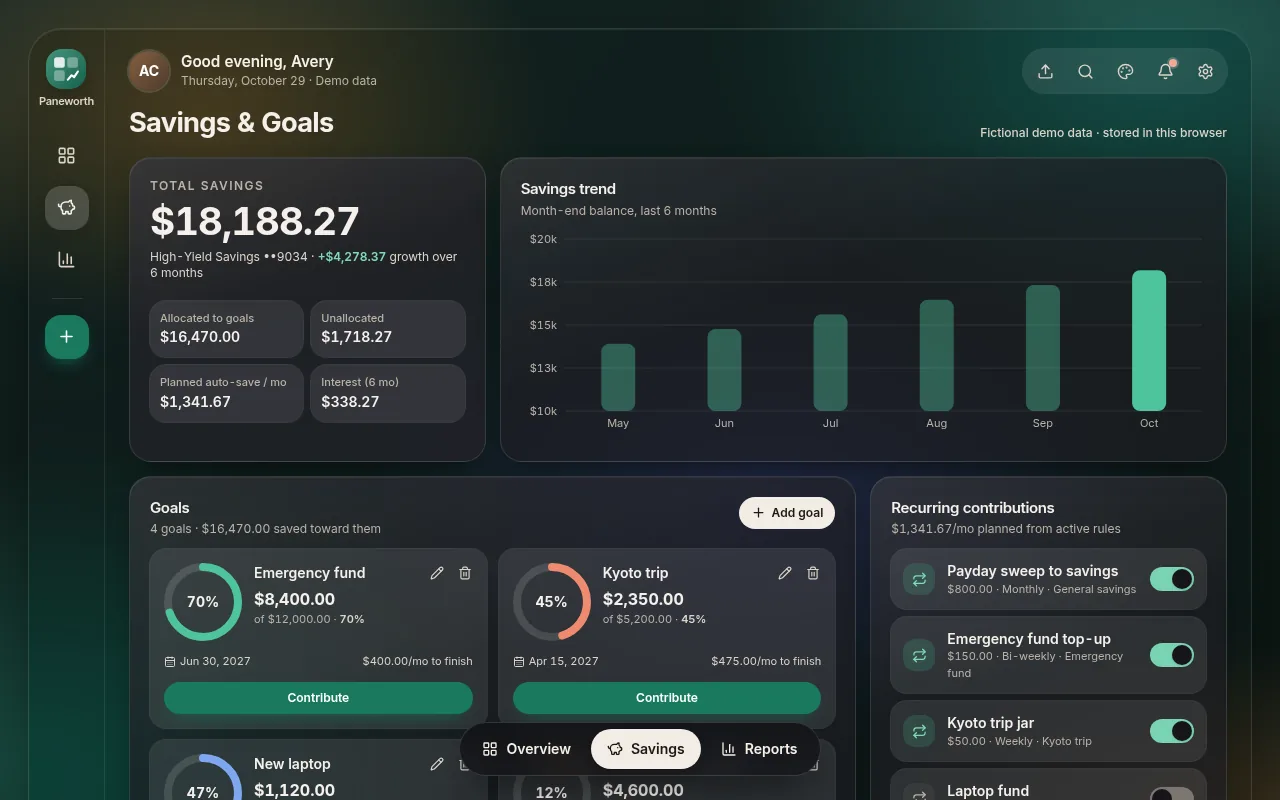
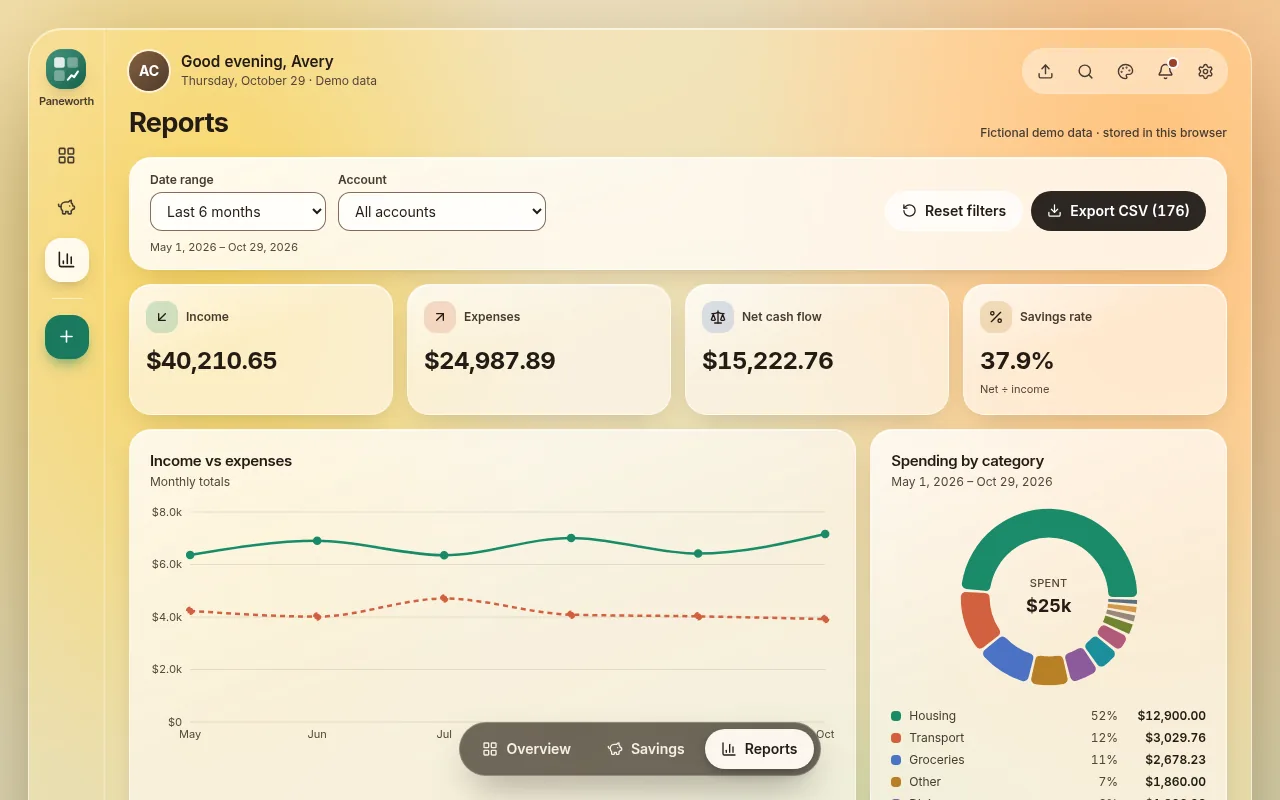
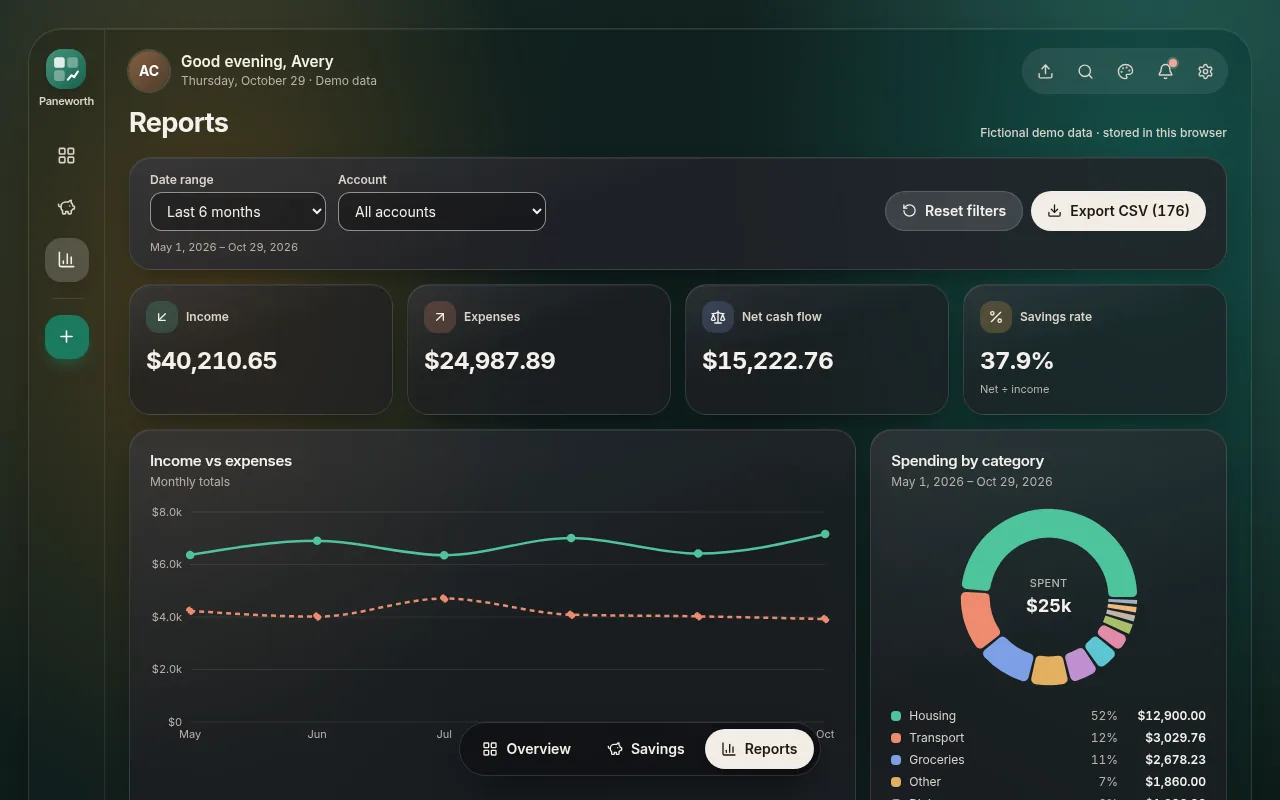
Runs in your browser with sample data. Nothing is uploaded.
A frosted-glass personal finance dashboard built with React, TypeScript and Tailwind. Three working screens, light and dark themes and a full set of demo data let you see it in action and make it your own.
Light, dark or follow the device, with Sage, Ocean and Ember accents.
CSV, TSV, pasted rows, Excel, OFX/QFX and QIF, with column mapping, preview, duplicate detection and undo.
Browser storage by default, plus an HTTP API adapter and a small mock server.
Keyboard and screen-reader support, reduced-motion support and a responsive layout from phone to desktop.
Have an idea for a dashboard, a small web tool or an interface that needs to look as good as it works? Paneworth Studio can design and build it with you.
Share your idea, goals and timeline using the form below. We reply by email within a few business days.
We confirm scope, timeline and price in writing before any work starts.
You see progress along the way, and we deliver clean, documented code you own.
Need something of your own?
Talk to us about a custom buildPick up a template today, or tell us what you would like built.