Paneworth Glass Finance Dashboard
A calm, frosted-glass finance dashboard for React, ready to make your own.
Live demo
A quick walk through
Scroll through the three screens, then open the working demo right here. It uses fictional sample data.
A look inside Paneworth
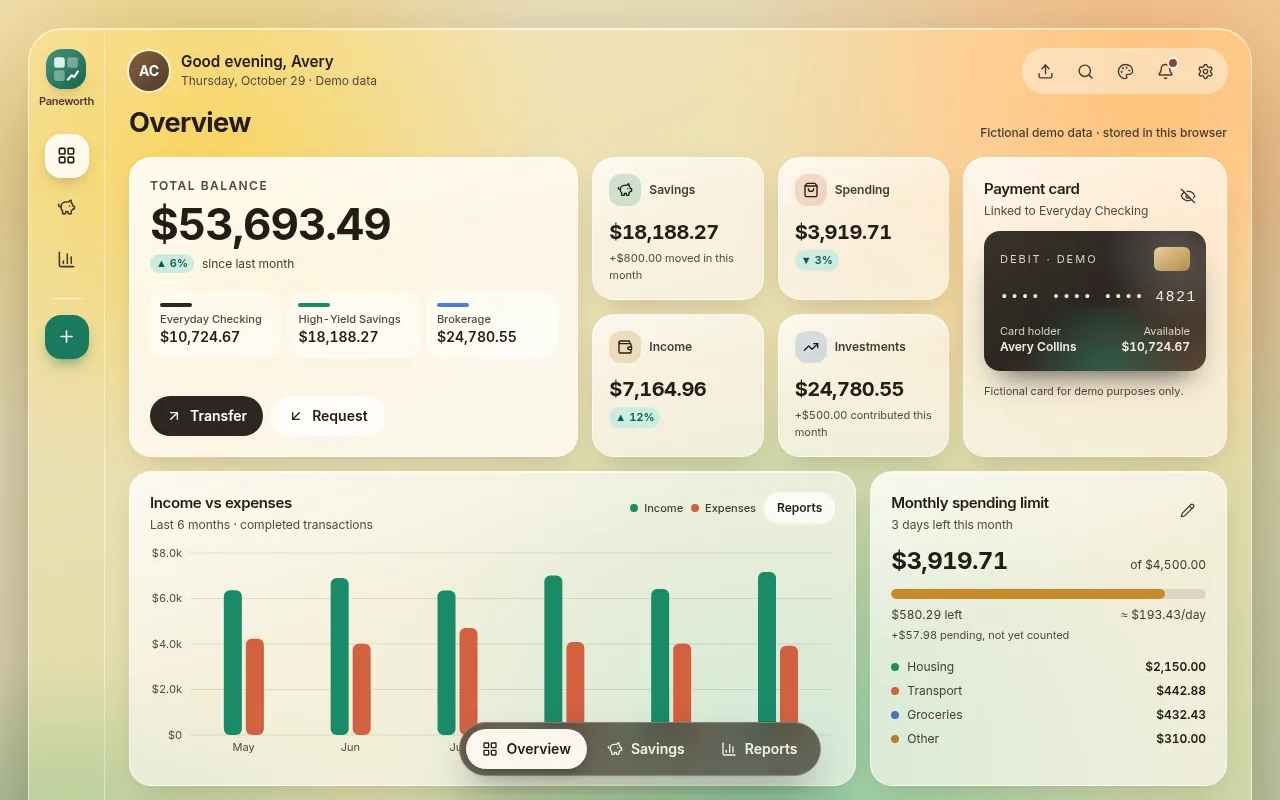
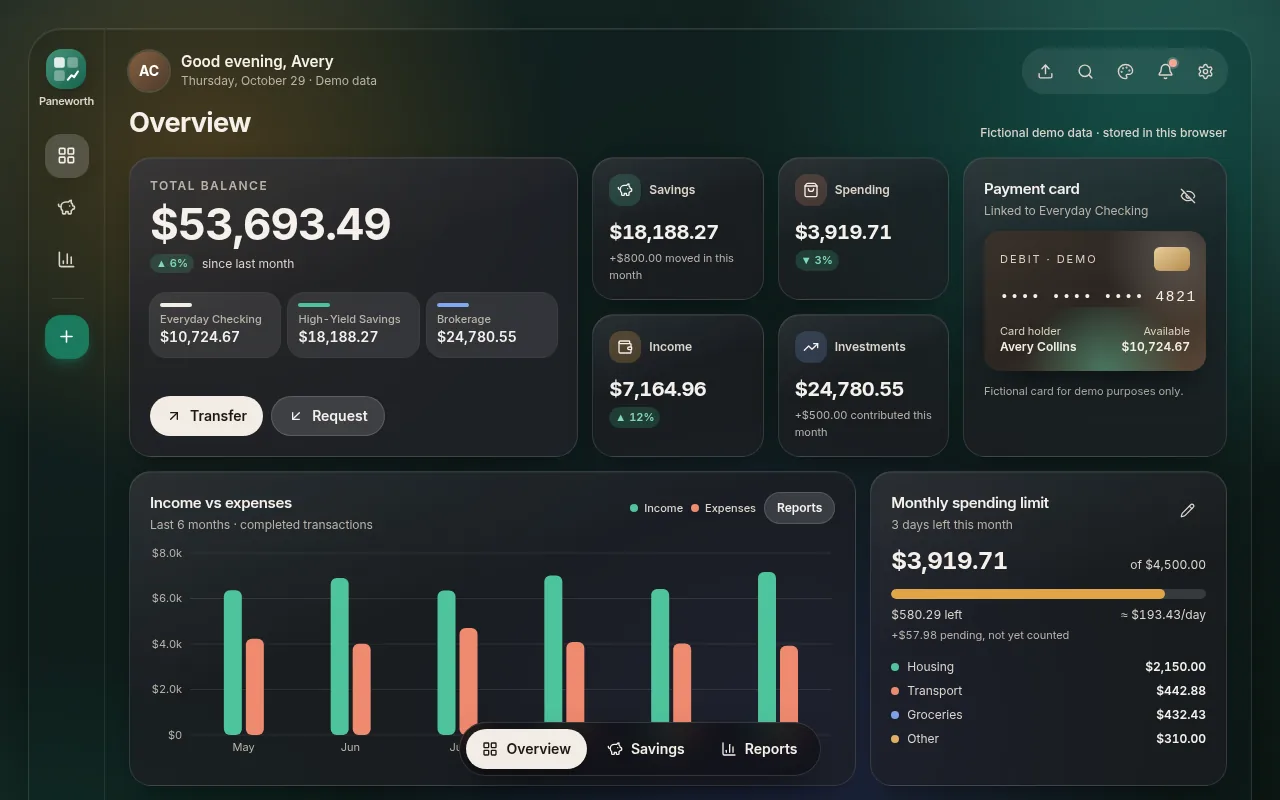
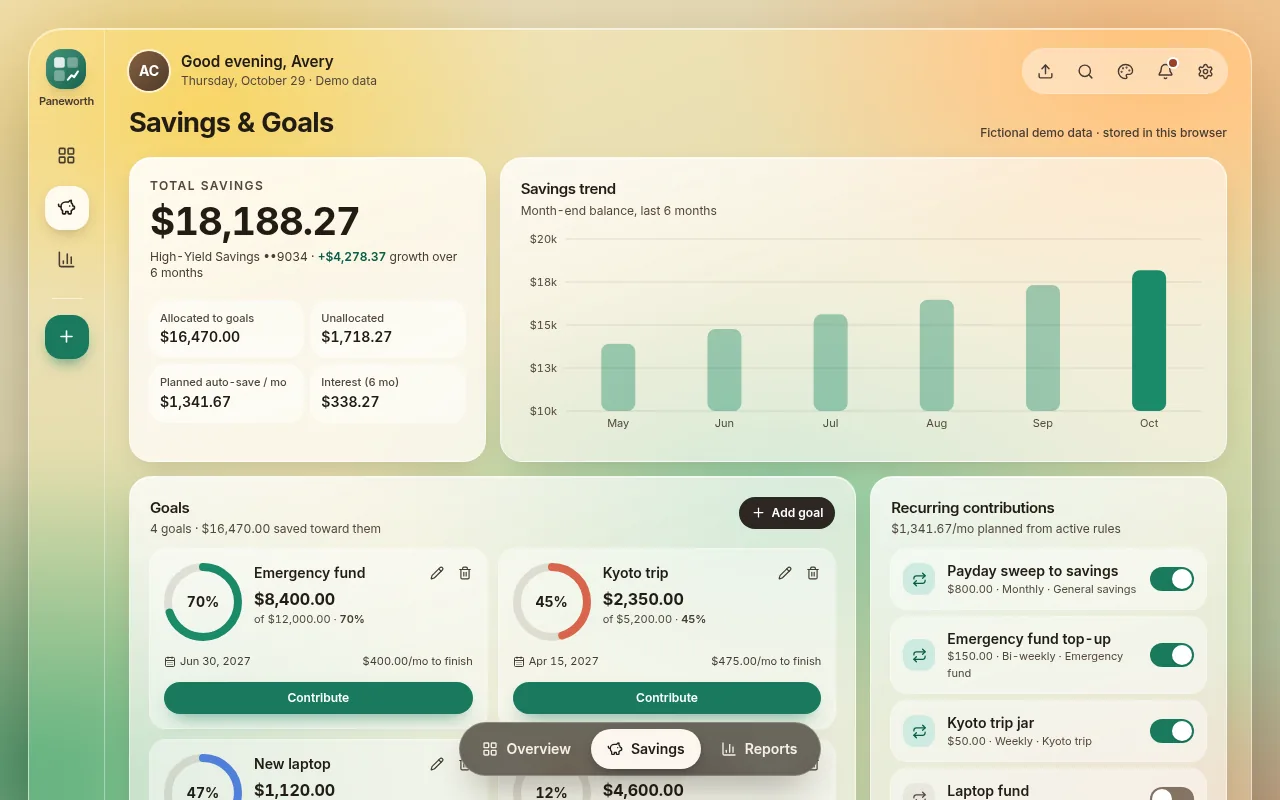
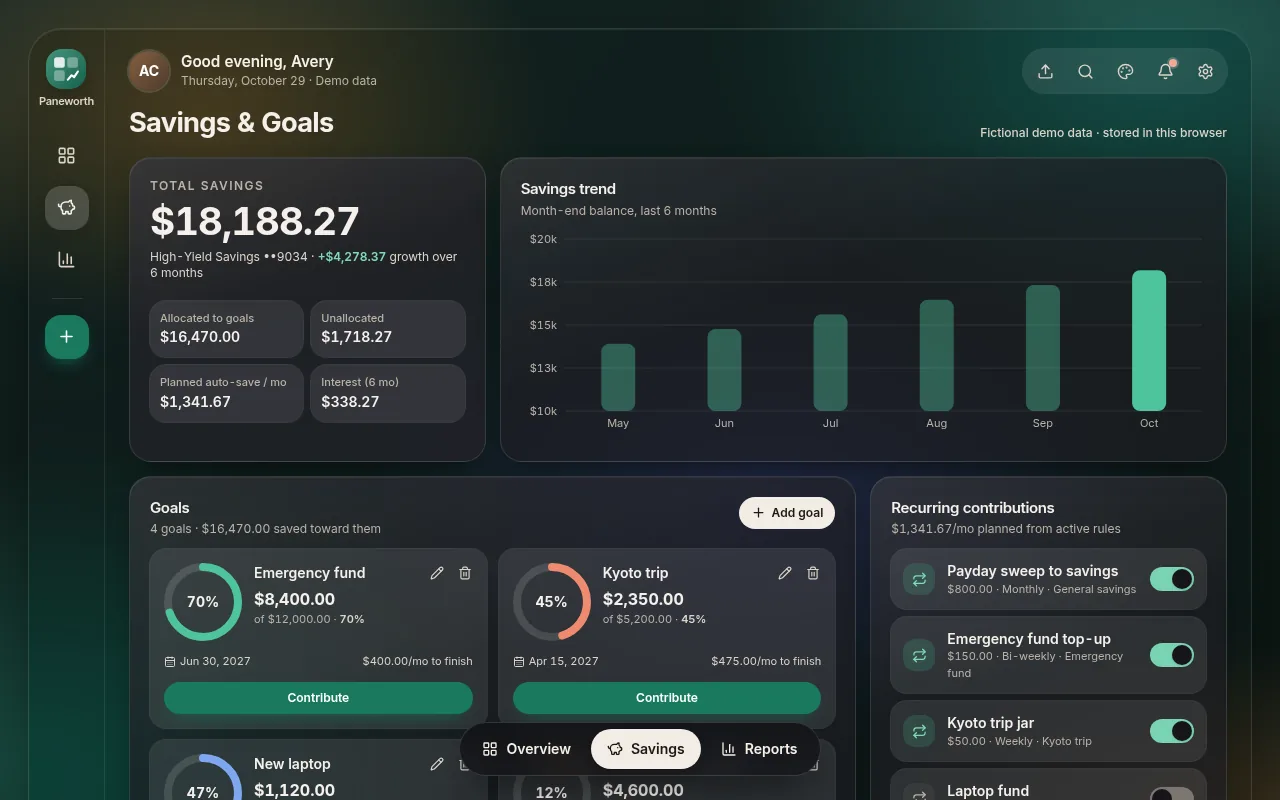
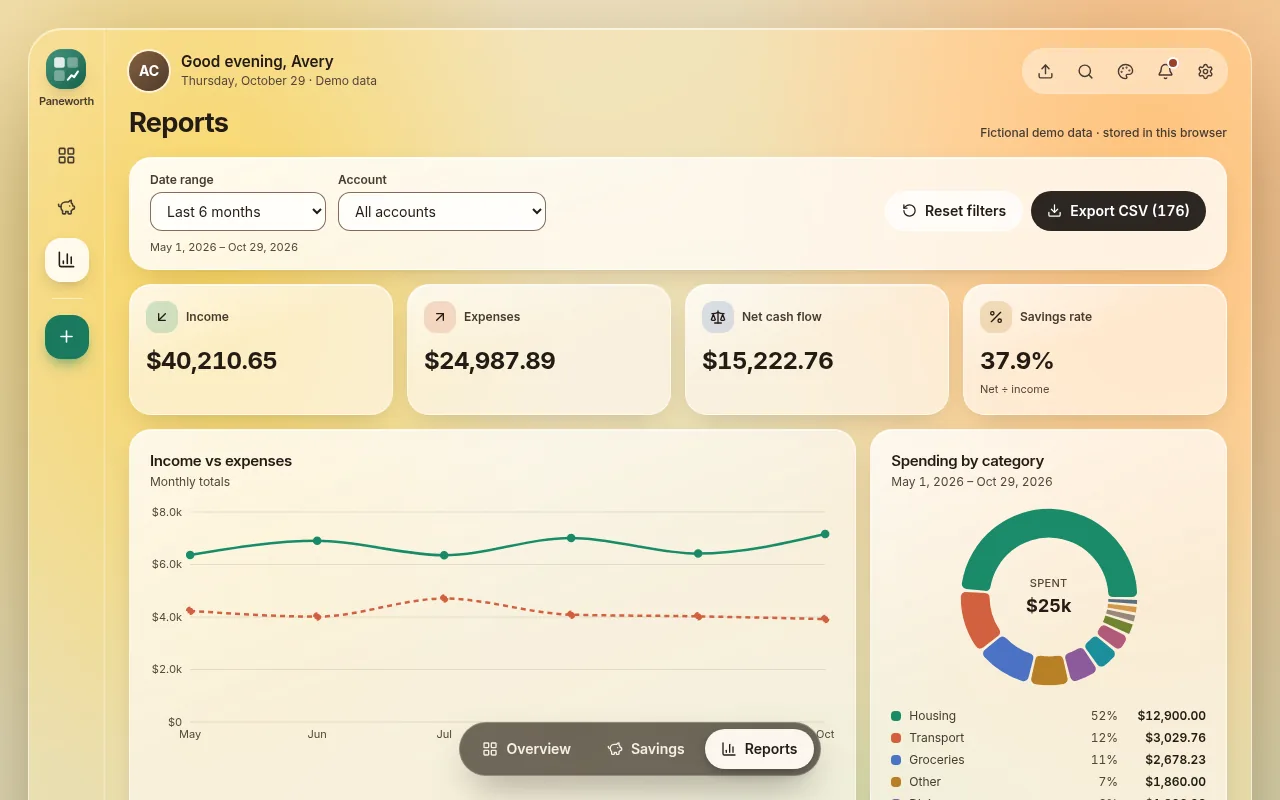
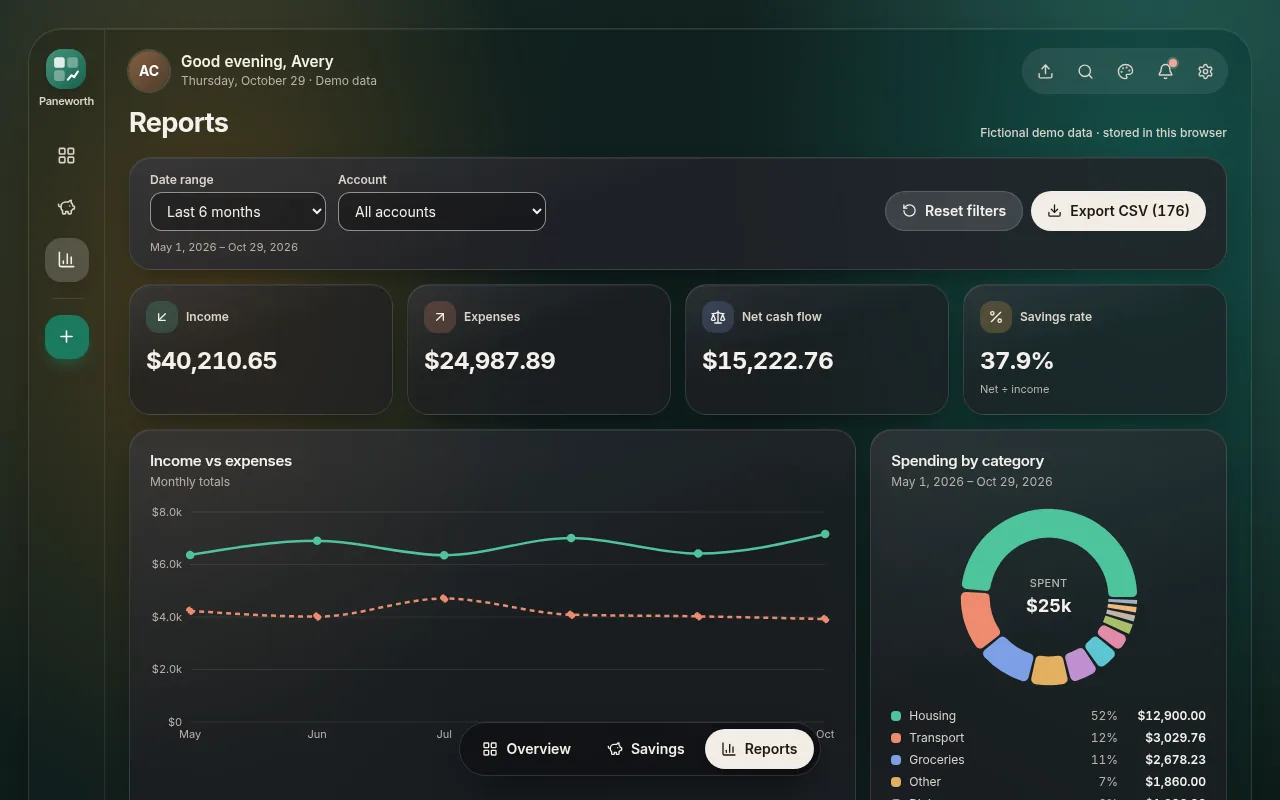
Runs in your browser with sample data. Nothing is uploaded.
Light or dark, it stays calm
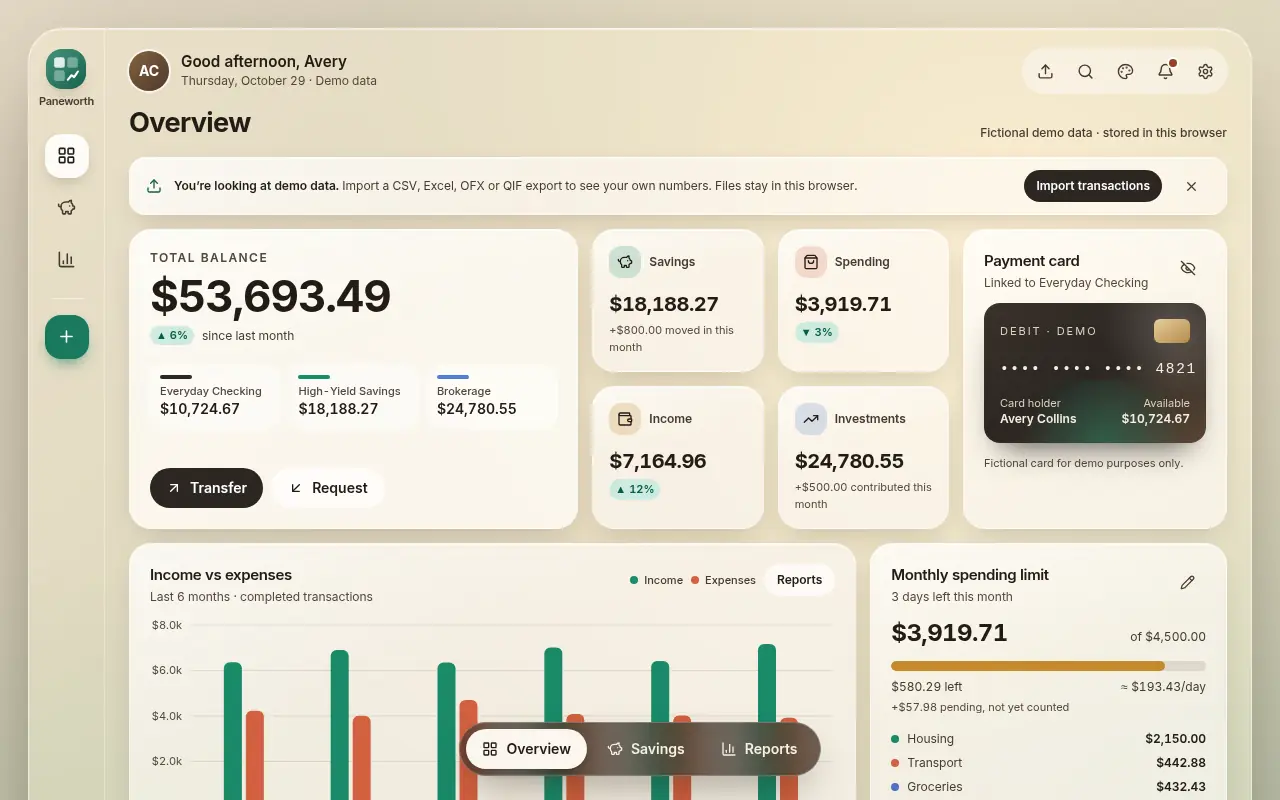
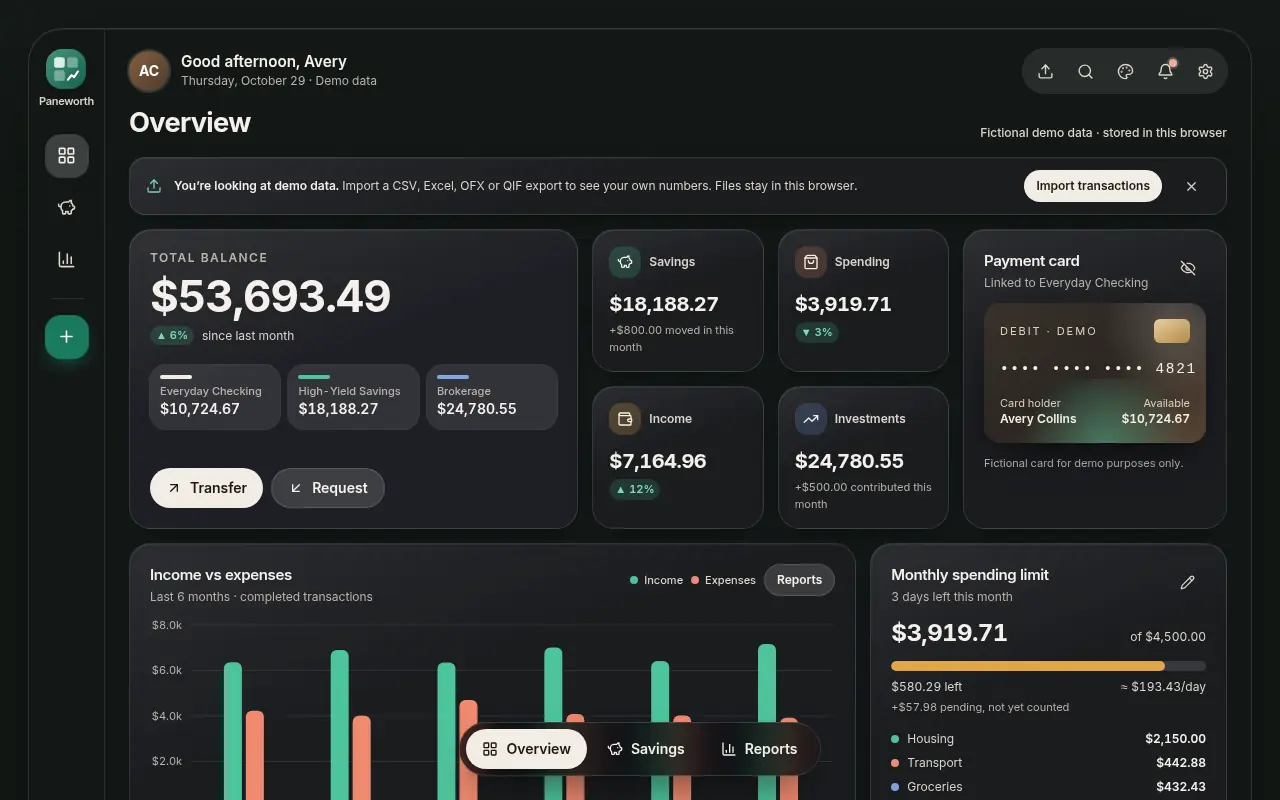
Light, dark or follow the device, with Sage, Ocean and Ember accents.
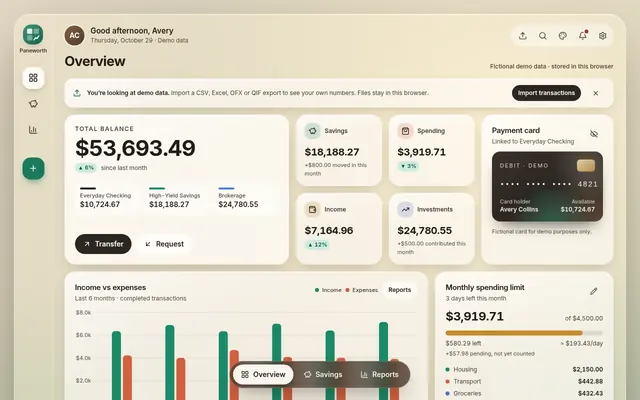 Sage
Sage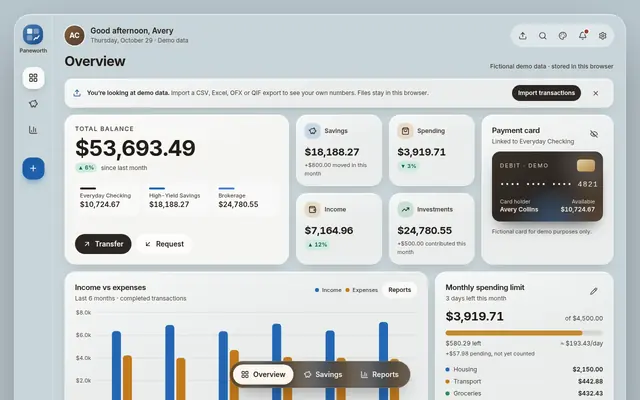 Ocean
Ocean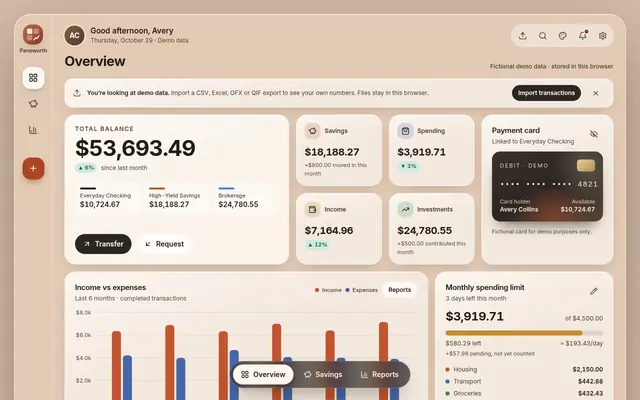 Ember
Ember
About the template
Paneworth Glass Finance Dashboard is a personal finance template built with React, TypeScript, Tailwind CSS, Motion and Recharts. Soft glass panels, readable type and gentle motion give it a polished look, in light and dark themes with three accent colors.
Everything works out of the box. Add and edit transactions, fund savings goals, filter reports and export what you see. Bring in your own data from CSV, Excel, OFX and other common files, or keep the built-in demo data while you explore. Each screen reads and writes through one small data layer, so connecting your own API means changing one file, not rewriting the screens.
It suits developers building a fintech prototype, a budgeting project, a client demo or a dashboard for a product.
Features
- Overview: balance, payment card, spending limit, income versus expenses, spending by category and recent transactions with search, filters, inline editing and delete.
- Savings & Goals: savings trend, goal cards with progress rings, contributions and recurring contributions you can switch on and off.
- Reports: date ranges, account and category filters, key figures, charts and a full transaction table with CSV export.
- Themes: light, dark or follow the device, with Sage, Ocean and Ember accents.
- Import: CSV, TSV, pasted rows, Excel, OFX/QFX and QIF, with column mapping, preview, duplicate detection and undo.
- Data layer: browser storage by default, plus an HTTP API adapter and a small mock server.
- Quality: keyboard and screen-reader support, reduced-motion support and a responsive layout from phone to desktop.
- Tools: React, TypeScript, Tailwind CSS 4, Vite, Motion, Recharts and Lucide icons.
What's included
- Full edition: all three screens with six months of fictional demo data
- Starter edition: the same app with an empty dashboard
- Documentation: quick start, theming, importing data, API adapter, deployment and accessibility
- Changelog and license files
- 12 months of free updates
Demo data is fictional. The template is a user-interface starter: it gives no financial advice and does not move money.